

Turn Construction Product Data Into Pages Specifiers Can Compare

A specifier cannot compare products from a row of brochure covers. The page needs structured data, visible conditions and current documents. It also needs to show when two products should not be compared directly.
The work begins with product information governance, not card design.
What should a construction product page contain?
Publish product identity, intended use, application limits, relevant performance values with units and test conditions, system dependencies, installation requirements, certifications with scope, current documents, revision date and a technical contact. Use the same field definitions across comparable products.
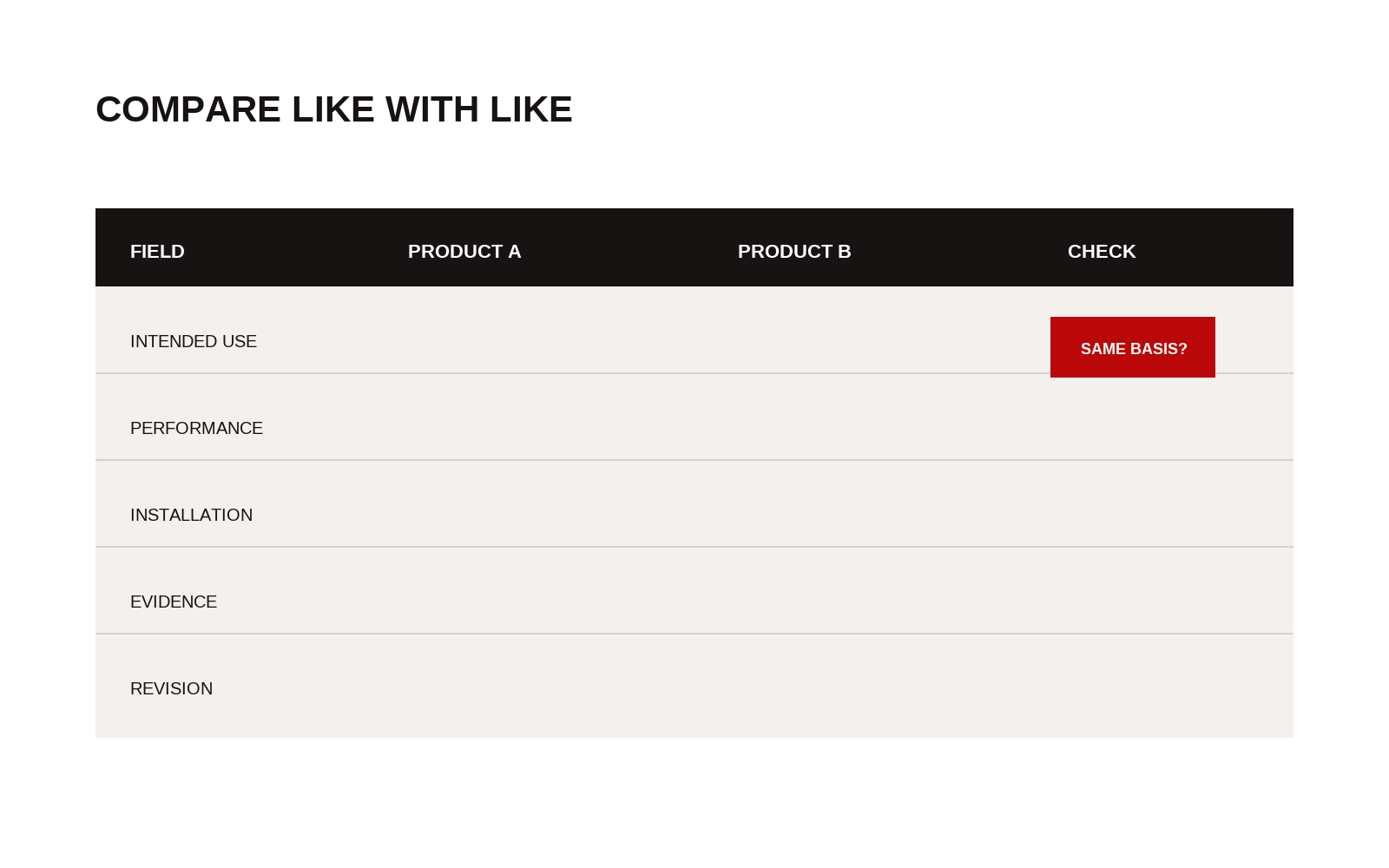
Construction product comparison page showing intended use, performance, evidence, installation and revision fields.
Define a common comparison set
| Field group | Example fields | Rule |
|---|---|---|
| Identity | Product, model, variant, revision | Use one canonical identifier |
| Application | Intended use, substrate, exposure | State exclusions nearby |
| Performance | Fire, thermal, acoustic, strength or durability | Include method and condition |
| System | Components, fixings and interfaces | Do not imply standalone performance |
| Installation | Preparation, competence and inspection | Link current instruction |
| Evidence | Declaration, report or certificate | State issuer, scope and date |
| Lifecycle | Availability, replacement and review | Preserve superseded status |
Not every field applies to every product family. A family template should be created with the technical team, then enforced in the content system.
Put intended use before performance
A large number looks persuasive until the buyer discovers it applies to a different build-up or test. Begin with what the product is designed to do and under which conditions. Then show the relevant performance.
Where performance belongs to a system, name the full tested or assessed configuration. Do not detach one component from that context.
PAS 2000:2026 provides a voluntary product-safety framework that includes production information and market feedback. BSI's publication announcement gives the official overview. Product pages should be linked to the manufacturer's controlled record rather than maintained as independent marketing claims.
Design comparison around a decision
Do not put every available field into one wide table. Ask what the specifier is deciding.
| Decision | Compare | Do not hide |
|---|---|---|
| Suitability | Intended use and limits | Excluded substrates or environments |
| Performance | Same measure and test basis | Different methods or configurations |
| Coordination | Size, weight, interfaces | Tolerances and required accessories |
| Installation | Sequence and competence | Inspection and curing conditions |
| Evidence | Current scope and issuer | Expiry or superseded status |
| Maintenance | Inspection and replacement | Access or service limitations |
If the fields are not equivalent, label the difference rather than forcing a ranking.
Keep documents attached to the record
Each document link should show title, identifier, revision, issue date and file type. A generic “Downloads” tab makes it easy to choose an old document.
Use a stable product URL even when the downloadable file changes. Where a buyer must retain a historic issue, provide a controlled archive with a visible superseded notice.
The UK Government's Construction Products Reform White Paper discusses digital identification and persistent product information. Whatever platform is used, the public experience should help users identify the product and the status of its evidence.
Give installation information equal weight
Product selection is incomplete without installation conditions. Surface the requirements that change suitability or performance:
- compatible substrates and components;
- preparation;
- environmental limits;
- fixings, joints or sealants;
- installer competence;
- inspection hold points;
- protection during following work; and
- maintenance or replacement access.
Do not reduce a safety instruction to fit a short card. Link to the full controlled instruction and show its revision.
Build useful search and filters
Allow search by product name, old name, model and common application term. Filters should only use complete, controlled data. A filter with widespread blanks creates false exclusion.
Make filter selections shareable in the URL. Ensure each important product remains accessible by normal links and without JavaScript-only interaction. Google's Search Essentials provide the crawlability baseline.
Governance checklist
Before release, confirm:
- one technical owner controls the field definition;
- the page and PDF use the same source;
- units and decimal precision are consistent;
- certificates show current scope;
- system performance is labelled as system performance;
- discontinued products show a controlled next step;
- search synonyms are approved; and
- review dates are recorded.
Our article on PAS 2000:2026 covers the wider information lifecycle. The construction sector page shows how product evidence supports buyer qualification.
Creatif Work builds product websites from controlled information and real specifier tasks. If the data exists in separate spreadsheets and PDFs but cannot be compared safely, start with the problem.
Test the comparison with a specification task
Give a specifier two products and a short, realistic application. Ask them to select the suitable option using only the public pages. Observe which fields they compare, which document they open and where they need an assumption.
Repeat the task with an installer and a technical sales colleague. The installer may look for substrate and sequence while sales may focus on performance and availability. Their different routes reveal whether essential conditions are hidden in one audience's preferred format.
Record any field that appears equivalent but uses a different method, configuration or unit. The fix may be a note, a normalised view or a decision not to compare that field. Do not force a single score.
After the session, trace the selected values back to the approved product record. Confirm that the page, comparison and downloadable sheet share the same source and revision. Add the test to the release process when a family template changes. A comparison tool is only useful while its field definitions remain controlled.