

Port Service Website Design: 24/7 Enquiries and Service Coverage
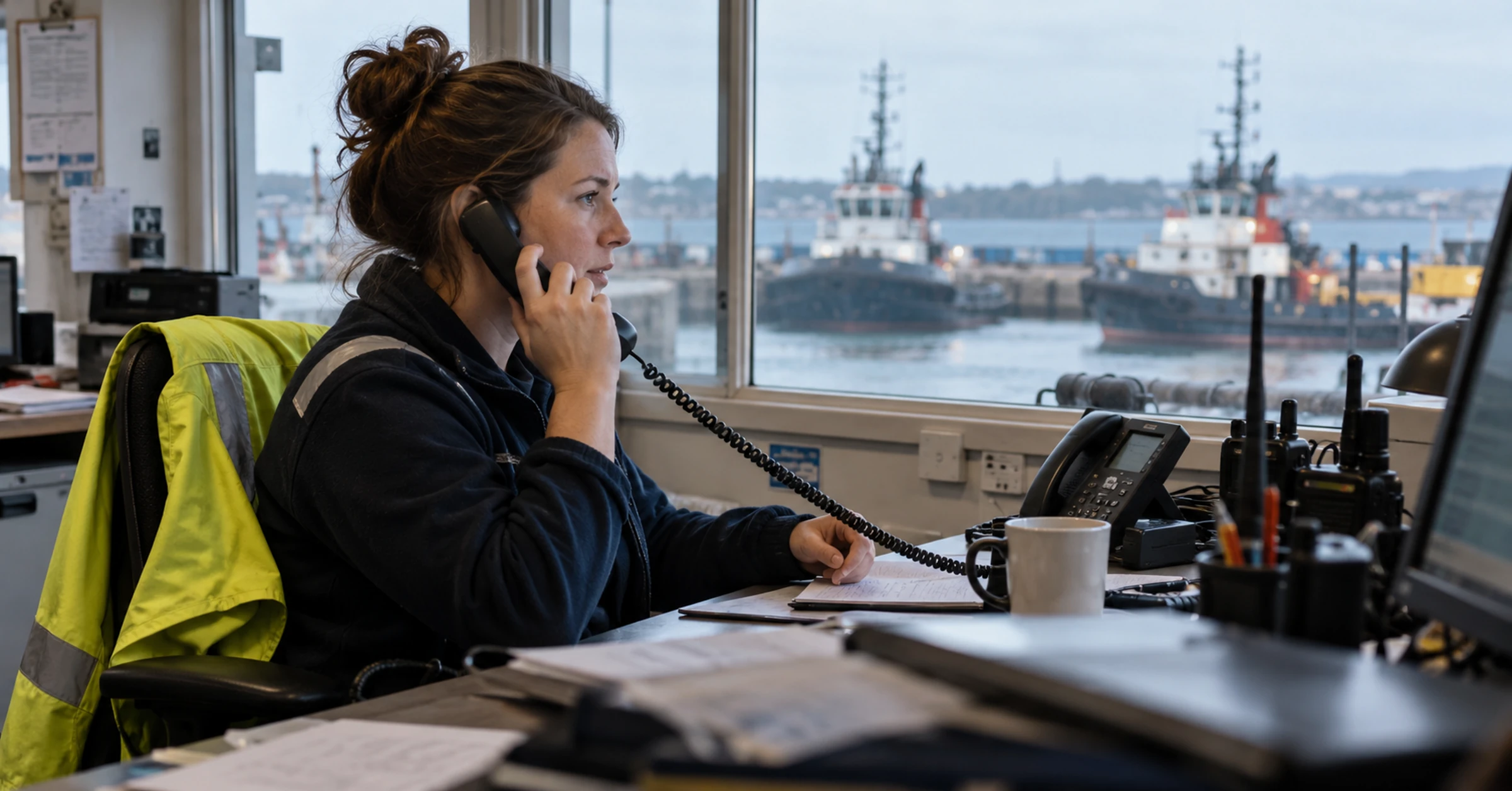
A port service website must serve two different jobs: urgent operational response and planned procurement. The urgent user needs scope, coverage and contact immediately. The procurement user needs systems, evidence, regions, resources and a controlled qualification route.
Do not force both through one generic contact form.
What should a port service website include?
Include precise service pages, urgent and planned enquiry routes, operating coverage, response stages, facilities or assets, approvals and certificates with scope, project evidence, escalation and a clear owner for changing operational information.
| User | Need | Best route |
|---|---|---|
| Vessel or agent | Immediate triage | Phone or monitored urgent form |
| Superintendent | Technical fit and attendance | Service page with request checklist |
| Procurement | Qualification and coverage | Evidence and region pages |
| Project manager | Planned package | Detailed enquiry with dates and scope |
| Partner | Local interface | Named region or service contact |
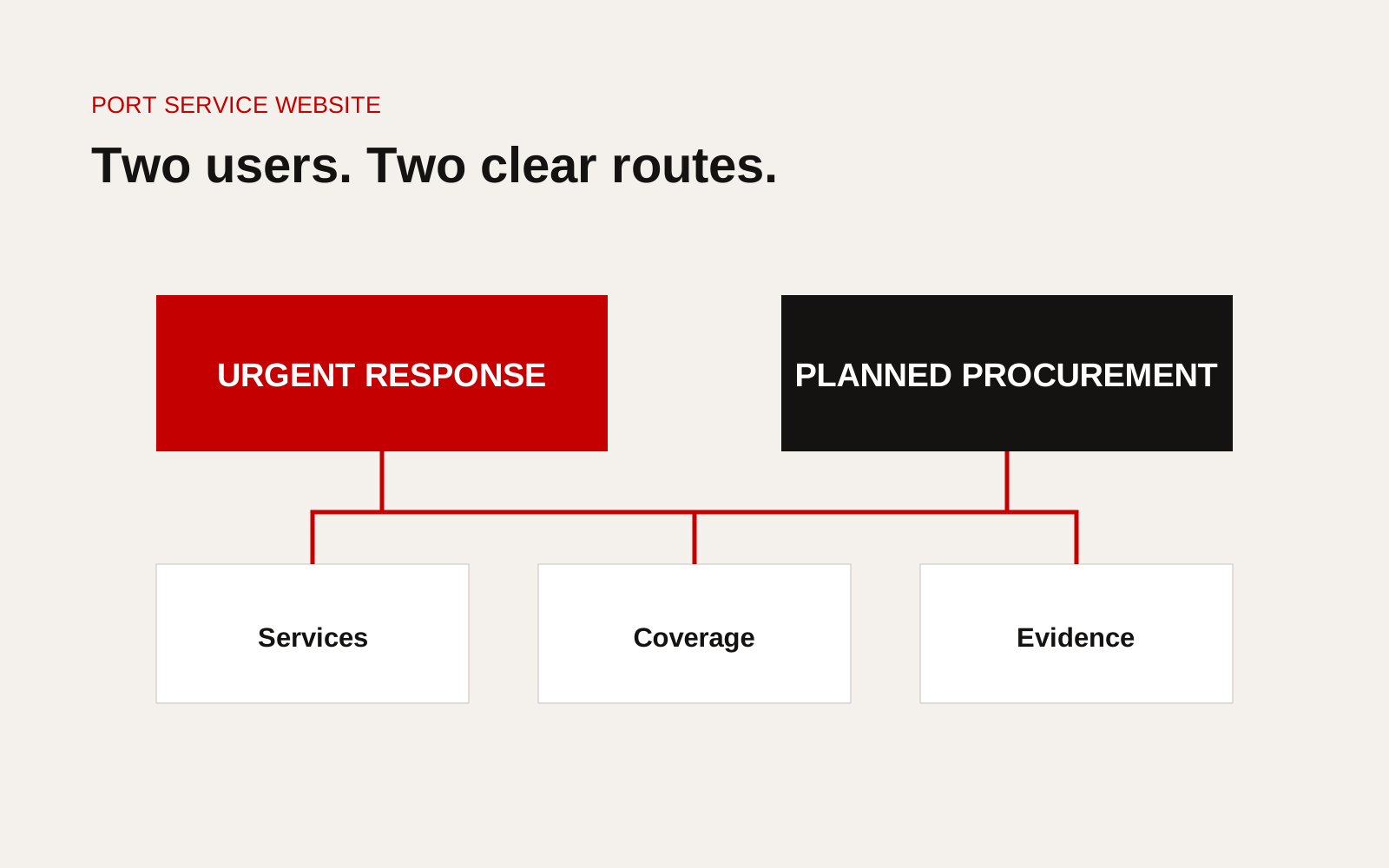
Port service website architecture separating urgent response, planned service, coverage, evidence and contacts.
Separate urgent and planned work
Use two visible actions. The urgent route should define monitoring hours, priority and required information. The planned route can collect documents, dates, technical scope and commercial contact.
Do not label a general inbox "emergency" unless a duty process monitors and escalates it.
Build one page per meaningful service
Name the task, equipment or outcome. Explain:
- scope and exclusions
- supported equipment or vessel types
- area and access basis
- people, facility or asset used
- information needed for triage
- response stages
- completion and report
- related project or call evidence
Broad service cards should lead to these pages, not replace them.
Explain coverage accurately
Distinguish permanent base, staffed partner, recurring project support and mobilisation from another port. State workshop, launch, transport, customs and access dependencies.
A map should be a filter or evidence tool. Decorative dots imply capability without explaining how it operates.
Define response stages
Avoid one undifferentiated number. State acknowledgement, technical review, mobilisation, arrival and restoration or completion. Explain clock assumptions and priority levels.
Use anonymised performance evidence only when the metric definition and period are clear.
Create mobile-first urgent pages
On a phone, show the service, coverage, current contact and request checklist before long company content. Keep the number readable, tappable and available without animation or hover.
Test the page at night, on slow data and with one hand. Preserve entered details after an error.
Publish qualification evidence with scope
Show the legal entity, operating locations, service responsibilities, certifications and approvals, relevant assets and projects. State issuer, scope and validity.
Keep crew data, security information, detailed procedures and client-controlled records outside the public site. Give procurement a clear request route.
Connect enquiries to operations
The website should pass service, location, vessel, priority and attachments into the case workflow. Define the owner, backup, notification and record created.
If staff must copy every request into another system, measure whether an integration would remove delay without creating security risk.
The International Maritime Organization's maritime safety information provides international context, while each port authority, flag, vessel and contract may impose specific current requirements. Link users to the correct official source rather than copying changing procedures onto a permanent service page.
Plan for time zones and language
State which office or duty team answers, its time zone and languages. Regional coverage can hand work between teams only when responsibility and case history move with it.
Use standard equipment terms and let users provide manufacturer and model. Translate safety and access instructions through competent review, not automatic copy alone.
Give the site an operational owner
Assign people to service scope, equipment coverage, phone routing, region information, certificates and case studies. Create a fast update route when a number, base or partner changes.
Test urgent contacts on a schedule and record the result. Review form delivery, spam controls and attachments. A maintenance report should cover the contact journey, not only whether the page returns an HTTP success status.
Provide completion and feedback routes
After a service call, the client should know how to receive the final report, raise a technical question or escalate an unresolved issue. The website can point to these routes without exposing live case information.
Website checklist
- Urgent and planned routes separated
- Services named by actual task
- Coverage model explains mobilisation
- Response stages and assumptions clear
- Mobile contact works without hover or animation
- Enquiry carries vessel, location and service context
- Certifications show entity, scope and validity
- Projects prove comparable work
- Controlled evidence remains outside public pages
- Duty routing and escalation tested
Audit enquiries as operating data
Review a sample of urgent and planned enquiries every month. Check whether the website captured the vessel, location, equipment or service, required timing and a working contact. Then trace where each enquiry went, how quickly a person acknowledged it and which missing detail caused extra calls.
Use the findings to improve fields, service names and coverage wording. If users repeatedly choose “other”, the service structure may not match the language buyers use. If enquiries arrive for unsupported ports, the coverage explanation needs a clearer boundary. If a technically complete form still reaches the wrong team, the routing rule is the problem. Do not publish response figures until the measurement boundary and exclusions are clear. This review turns the website into part of service operations and gives content owners evidence for changes beyond preference or page traffic.
Assign the review to both an operational owner and a website owner. One understands how cases move; the other can correct the journey. Agree a date for each change and verify it with the next enquiry sample.
Creatif Work builds marine websites for operational as well as procurement use. Our website service creates clear mobile paths and maintained evidence, while custom software can support routing, status and response records when the service operation extends beyond the website.