

Architect and Contractor Website Design: Why the Structure Differs
Architect and contractor websites both show projects, but the buyer is judging different responsibilities. An architect needs to explain design thinking, service stages and outcomes. A contractor needs to prove delivery scope, capacity, controls, interfaces and completed work.
Using the same project-gallery structure for both hides the information that wins the next appointment.
How should architect and contractor websites differ?
An architect website should organise projects around design challenge, sector, service stage and approach. A contractor website should organise them around contract role, package, delivery method, capacity, constraints, safety, quality and result.
| Buyer question | Architect site | Contractor site |
|---|---|---|
| What do you do? | Design and advisory services by stage | Delivery services and work packages |
| What is your judgement? | Brief, concept and design response | Buildability, planning and control |
| What was your role? | Lead, executive, interior, landscape or specialist design | Main contractor, design and build, package or JV |
| Can you deliver? | Team, process and coordination | Resources, systems, plant and supply chain |
| What proves it? | Design outcome and approved project story | Delivery evidence, handover and performance |
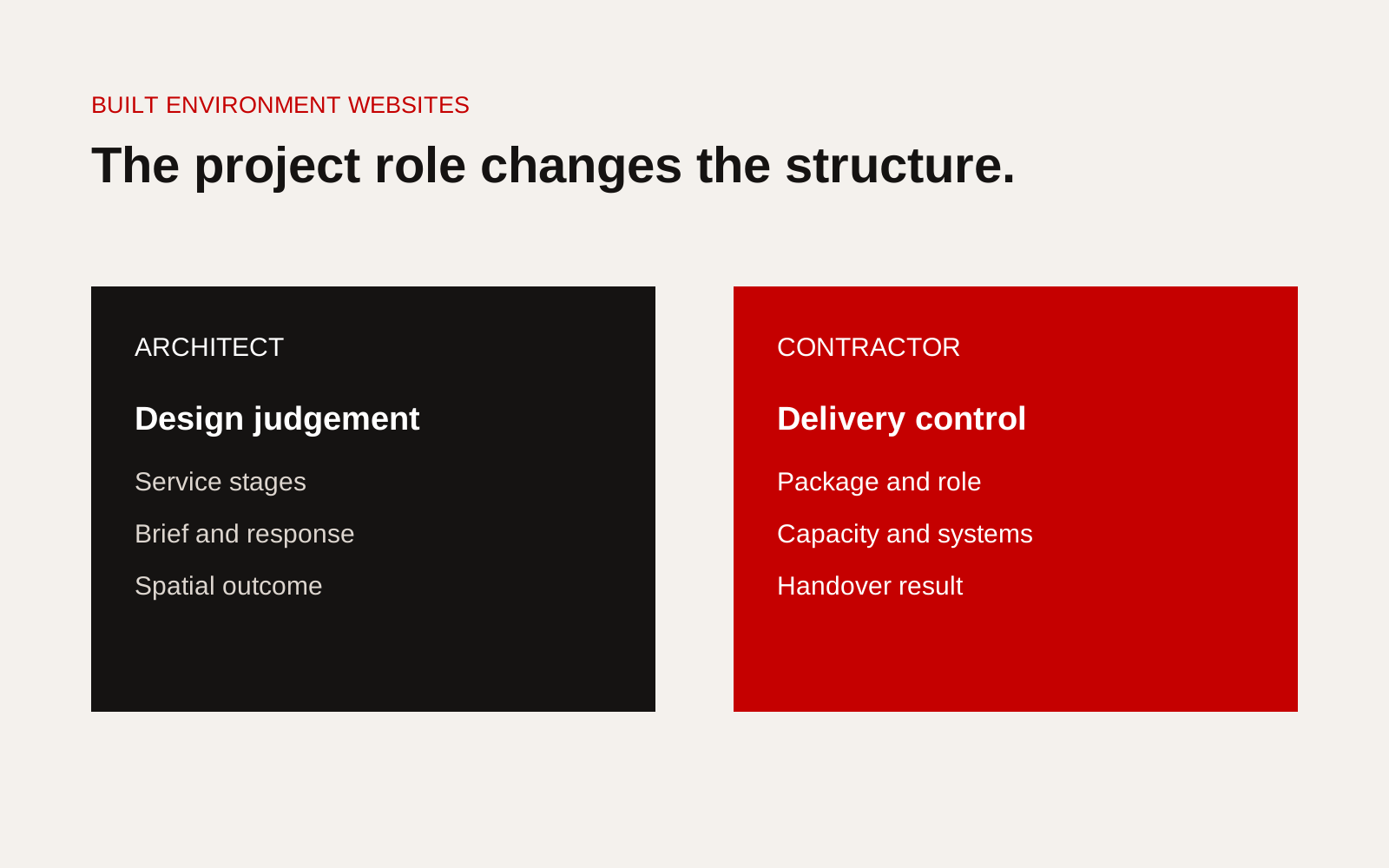
Side-by-side architect and contractor website structures showing different buyer decisions and project evidence.
Architect service pages
Explain appointment stage, client input, design activity, deliverables, approvals and consultant interfaces. Separate architecture, interior, masterplanning, conservation or other services only when their processes and evidence differ.
A design page should show how the practice reaches decisions. Avoid replacing method with adjectives about creativity.
Contractor service pages
Name the package or contract capability. State scope, exclusions, delivery model, plant or facilities, systems, registrations and relevant projects. Connect safety and quality to the specific work.
The page should help a procurement team qualify the firm before requesting controlled evidence.
Project pages need different facts
Architect project record
- client brief and site context
- practice role and service stages
- design problem and response
- planning or stakeholder constraint
- consultant and client collaboration
- material or environmental decisions
- completed or current status
- approved outcome
Contractor project record
- contract role and package scope
- project type, location and period
- design responsibility
- programme and site constraints
- trade and operational interfaces
- safety and quality controls
- quantities or scale where approved
- handover or measured result
Both should make credit accurate. Photography should not imply sole authorship of collaborative work.
Navigation should follow the next commission
An architect may lead with selected work and sectors, then service and studio. A contractor may lead with services, sectors, projects and qualification evidence. There is no fixed menu rule, but the first paths should match how priority clients shortlist.
Test tasks with target users instead of copying competitor navigation.
Handle project images differently
Architectural photography can explain spatial and material outcomes, but captions should connect images to the design decision. Drawings, diagrams and process images may show judgement better than another finished view.
Contractor photography should show scope and delivery: existing conditions, access, temporary works, construction sequence, interfaces, quality checks and completed result. Avoid publishing unsafe practices or client-sensitive areas.
Separate qualification evidence
Contractors often need a stronger qualification page with legal entity, registrations, certifications, capacity and controlled-document route. Architects may need appointment scope, professional registrations, insurances and competition or award context.
Every credential needs issuer, entity, scope and date.
Build one shared project model with role-specific fields
A multidisciplinary group can use shared fields for name, location, date, sector, client permission and images, then role-specific fields for design or delivery evidence. This preserves consistency without forcing every business onto the same case-study template.
Check accessibility and attribution together
Project imagery often carries essential information. Captions should identify the view, project stage and the firm's contribution. Alternative text should describe what the image communicates rather than repeating the project title. The W3C accessibility standards provide the technical basis for accessible images, navigation and page structure.
Keep an image record with photographer, licence, client approval, credited collaborators and permitted uses. The architect may own the design story but not the photograph. The contractor may have site images but not permission to publish the client's facility. A shared approval field prevents an image from moving from an internal presentation to the public website without review.
Test each project page with one question: can a reader tell what this firm was responsible for without relying on the logo or page category? If the answer is no, revise the role, scope and credit before adding more visual material.
Structure checklist
- Priority buyer and appointment decision defined
- Services named by actual deliverable
- Project role is explicit
- Architect pages show design judgement and stage
- Contractor pages show control, capacity and delivery
- Credits and collaborators accurate
- Images support the role being claimed
- Qualification evidence has scope and date
- Enquiry form captures project stage and need
- Content system supports role-specific project fields
Test each site with a live commission
Choose one recent enquiry and ask a person unfamiliar with the company to find the information needed to shortlist it. On an architect site, that may include relevant building type, design role, project stage, location, team and the thinking behind a comparable outcome. On a contractor site, it may include delivery package, contract role, capacity, safety and quality evidence, geographic reach and a comparable completed project.
Note every page visited, uncertain interpretation and missing fact. If the tester reaches an attractive project but cannot tell what the firm did, the project model is incomplete. If qualification evidence exists but is disconnected from services, navigation is the problem. Run the same task on a phone and with images disabled to check whether captions, alt text and text structure still carry the evidence. Use the findings to improve the shared content model rather than adding isolated promotional sections.
Creatif Work designs construction websites around the responsibility a firm is being hired to carry. Our website service can create distinct architect, contractor or multidisciplinary structures without turning every project into the same gallery card. Our guide to construction case studies provides a useful evidence-first starting point.