

How to Write a Website Brief That Agencies Can Price Properly

An agency can price a website properly when the brief defines the business objective, users, content, functions, integrations, responsibilities and approval process. A page count alone is not enough.
The goal is not to prescribe every screen before discovery. It is to make assumptions visible so proposals can be compared on the same basis.
What should a website brief include?
Include the problem, measurable objective, audiences and decisions, required page types, content status, functionality, integrations, migration, compliance, approvals, timeline, ownership and requested proposal breakdown. Mark requirements as essential, preferred or open to recommendation.
| Brief section | State this | Why it affects scope |
|---|---|---|
| Objective | Business change the site should support | Guides priorities and measurement |
| Audiences | Main users and their decisions | Changes structure and content depth |
| Page types | Repeating templates, not only page count | Determines design and content-system work |
| Content | What exists, who writes and who approves | Often the largest schedule dependency |
| Functions | Forms, search, filters, accounts or workflows | Changes design, testing and development |
| Integrations | Systems, owners, APIs and access | Adds technical and coordination risk |
| Migration | Content, redirects, data and documents | Determines audit and transfer work |
| Governance | Reviewers and decision process | Affects programme and revision cycles |
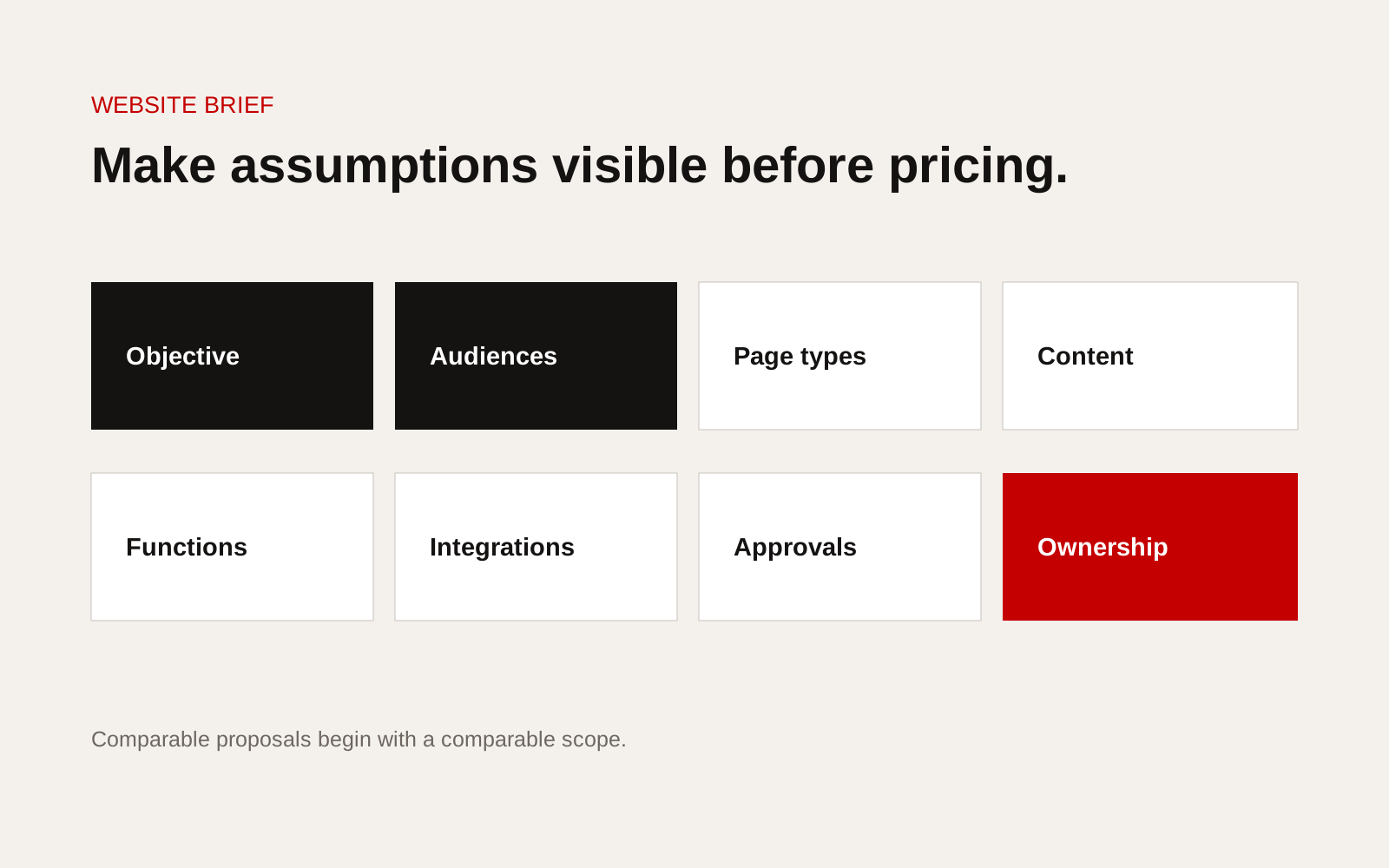
Website brief blueprint showing objectives, pages, content, functions, integrations, approvals and ownership.
Open with the reason for the project
Describe what is not working now and what must change. Examples include poor qualification, outdated service information, difficult publishing, weak international structure or an enquiry process that loses context.
Avoid "modernise the website" as the only objective. Modern is a visual judgement, not a measurable outcome.
State two or three desired outcomes, such as:
- buyers can identify the correct service and evidence
- internal staff can maintain approved project records
- international visitors reach market-specific contacts
- forms capture enough information for routing
- organic traffic reaches relevant service pages
Describe audiences through decisions
Job titles help, but tasks are better. For each audience, state what they need to decide and which evidence they use.
| Audience | Decision | Evidence or action |
|---|---|---|
| Managing director | Is this firm credible and relevant? | Scope, projects, people and contact |
| Procurement | Can the supplier qualify? | Registrations, capability and documents |
| Technical buyer | Does the service fit? | Specifications, limits and method |
| Candidate | Is this role and workplace suitable? | Real roles, projects and conditions |
List page types, not just a sitemap
Separate unique pages from reusable templates. Ten project pages based on one template are different from ten individually designed pages.
List expected types such as home, service, sector, location, project, product, article, team, contact and legal. Give an estimated item count and identify which types need filtering or relationships.
Be explicit about content responsibility
For writing, photography, diagrams, data and documents, state what exists and whether it is current. Identify who can approve technical claims and client references.
Use a content status table:
| Content type | Exists | Needs work | Owner |
|---|---|---|---|
| Service copy | Yes/no/partial | Audit, rewrite or new | Named role |
| Project evidence | Yes/no/partial | Permission and data | Named role |
| Images | Yes/no/partial | Shoot, licence or edit | Named role |
| Technical files | Yes/no/partial | Review and version | Named role |
Describe functionality as a user action
Instead of "advanced search", describe what the user searches, filters and receives. Instead of "CRM integration", name the system, data direction, fields, authentication and responsible owner.
For each function, state users, inputs, outputs, permissions, exceptions and expected volume. This helps agencies distinguish a simple form from custom software.
Include delivery constraints and ownership
State the intended launch window and any immovable event, but invite agencies to propose a realistic sequence. Include internal review availability, security or procurement checks, hosting constraints and required accessibility or privacy standards.
Confirm expectations for domain, hosting, source code, design files, content exports, analytics, third-party accounts, licences, training, documentation and post-launch support.
Include accessibility expectations in the brief rather than adding them at final testing. The W3C Web Content Accessibility Guidelines provide the international technical standard. Ask the agency to state the target, testing method and responsibility for content supplied by the client.
Proposal comparison checklist
Ask each agency to return:
- scope by phase and deliverable
- stated assumptions and exclusions
- content and migration responsibility
- proposed team and client time required
- programme with approval points
- third-party and recurring items identified
- testing and launch process
- ownership and handover
- support options
- change-control method
Leave room for diagnosis
A good brief defines the problem and constraints without pretending every solution is known. Invite agencies to challenge unnecessary features and identify missing work. Compare the quality of their questions as well as the presentation.
Our B2B website brief template provides a complementary starting point. Creatif Work's website service begins with buyer decisions, evidence and content ownership before interface design. If the brief mixes a public website with an operational workflow, our custom software service can separate the two scopes before they are priced.